


Riding AI #1 AI Curious (My Gadgets)
// Stay relevant. Why I want to start documenting some of my AI toolkits or explorations? It goes back to the question from my designer peers – “Will AI replace our jobs?” With the rapid development of AI, honestly, I can’t be certain. However, my recommendation is always to learn more about it, to embrace it, and to leverage it, instead of worrying about the unknown.
I believe that to design the best experience, the fastest way is to use it. A colleague once messaged me: “I also find that you are the member of every free tool that I”ve ever opened up lol ” Same goes to AI – I try to adapt it in all possible ways, both software and hardware.
I never considered myself a geek, but lately, I’ve realized I might carry more AI gadgets than others. To kick off my “Riding AI” series, I’m going to briefly talk about my gadgets (I surprised myself, ha!).
The first one is actually something I never got—the Orenda Coffee Machine, which was supposed to ship back in 2017 (8 years now!). I guess I am a geek! It was supposed to be smart and amazing, brewing the very best coffee to your preference. Well, life moves on.
Rabbit R1
The first one I did get, last year, is the Rabbit R1. I was curious about their agents, particularly the teaching functionality. Even though the Orenda scam was in the past, I was somewhat skeptical about whether I’d actually get the product. Two months after I placed the order, the Rabbit R1 arrived, but the teaching capability wasn’t available until much later.
The good:
- They are one of the early ones aiming to work with different agents. The company innovates fast. They are diligently releasing updates.
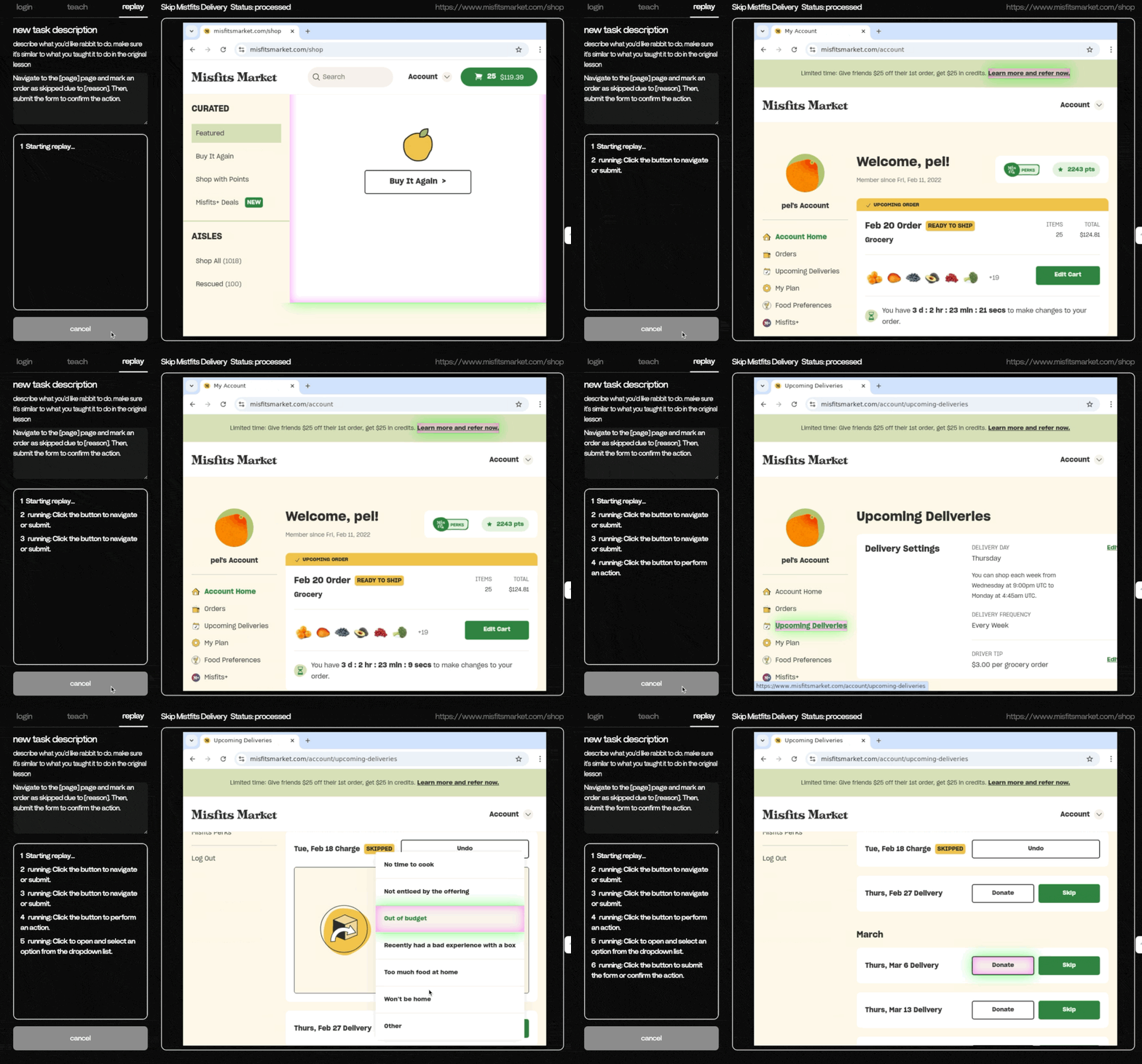
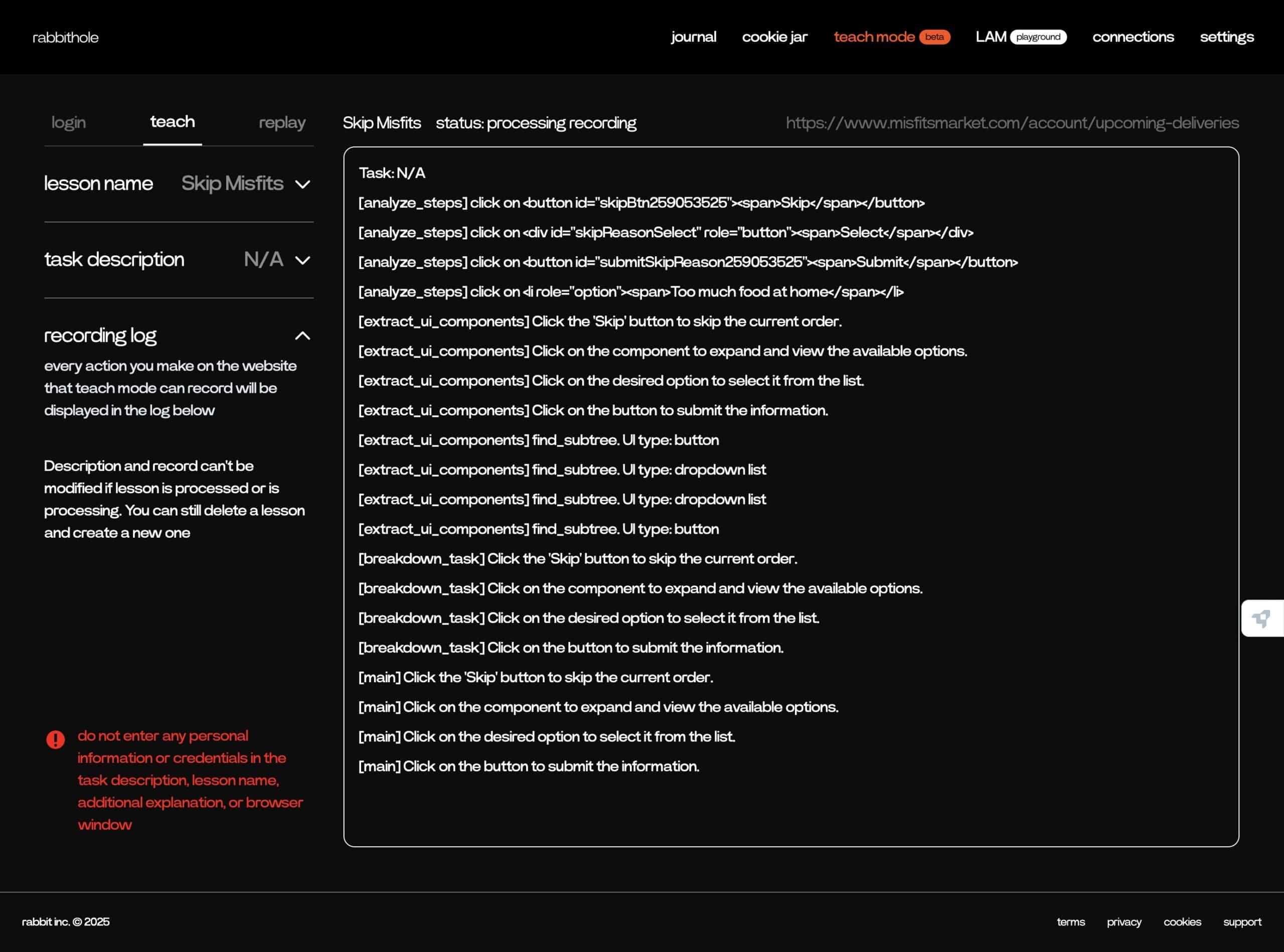
- The teaching mode works! It’s really exciting to see that Rabbit successfully skipped my grocery delivery!
The bad:
- Software – The integration partners, what they call “connections,” are getting fewer and fewer. It might be okay with the new teach mode that allows users to navigate to the website and perform actions, but still, native integration is always better. Regarding the teaching mode, did it really work?
- Battery life is terrible. For a device aiming to be a personal assistant, not being able to last more than six hours is unusable. However, fundamentally, I can’t seem to find a good use case for it. It just feels unnecessary when everyone has a smartphone.
Meta Smart Glasses (Highliner)
I got them when Meta was pushing them out with a huge discount. I didn’t expect to be blown away by them.
The good:
- The video recording is outstanding. The audio quality is amazing. I have used them as headphones more than my actual headphones (ha!). Also, the iPhone integration is just seamless. And, they are sunglasses! Impressive battery life. It’s fully integrated with Meta’s social platforms, which can be an important feature for some users.
The bad:
- Meta AI is quite limited. It doesn’t support GPS location or directions, which is a big drawback as it’s meant to be used outdoors. Also, limited languages are supported. It’s so constrained, I’ve almost never asked Meta for any assistance—I bought an AI device for non-AI uses (shocking!).
Looi Robot
This is a Kickstarter project I backed. It turns your smartphone into a robot. Most people thought I got it for the kids for Christmas, but I wanted it for myself. Because of the timing (arrived right before Christmas), Looi started with a heavy Christmas theme, and, of course, kids love it.
The good:
- It’s an adorable little companion. The “body” part moves around smoothly. Leveraging the phone is a really clever idea. It comes with a few fun interactions and games. It looks like it’s not querying the internet, safer for kids to ask questions. Works as a phone charger when plugged in.
The bad:
- Probably too “childish” for an adult.
Notable Mention:
Go Chess
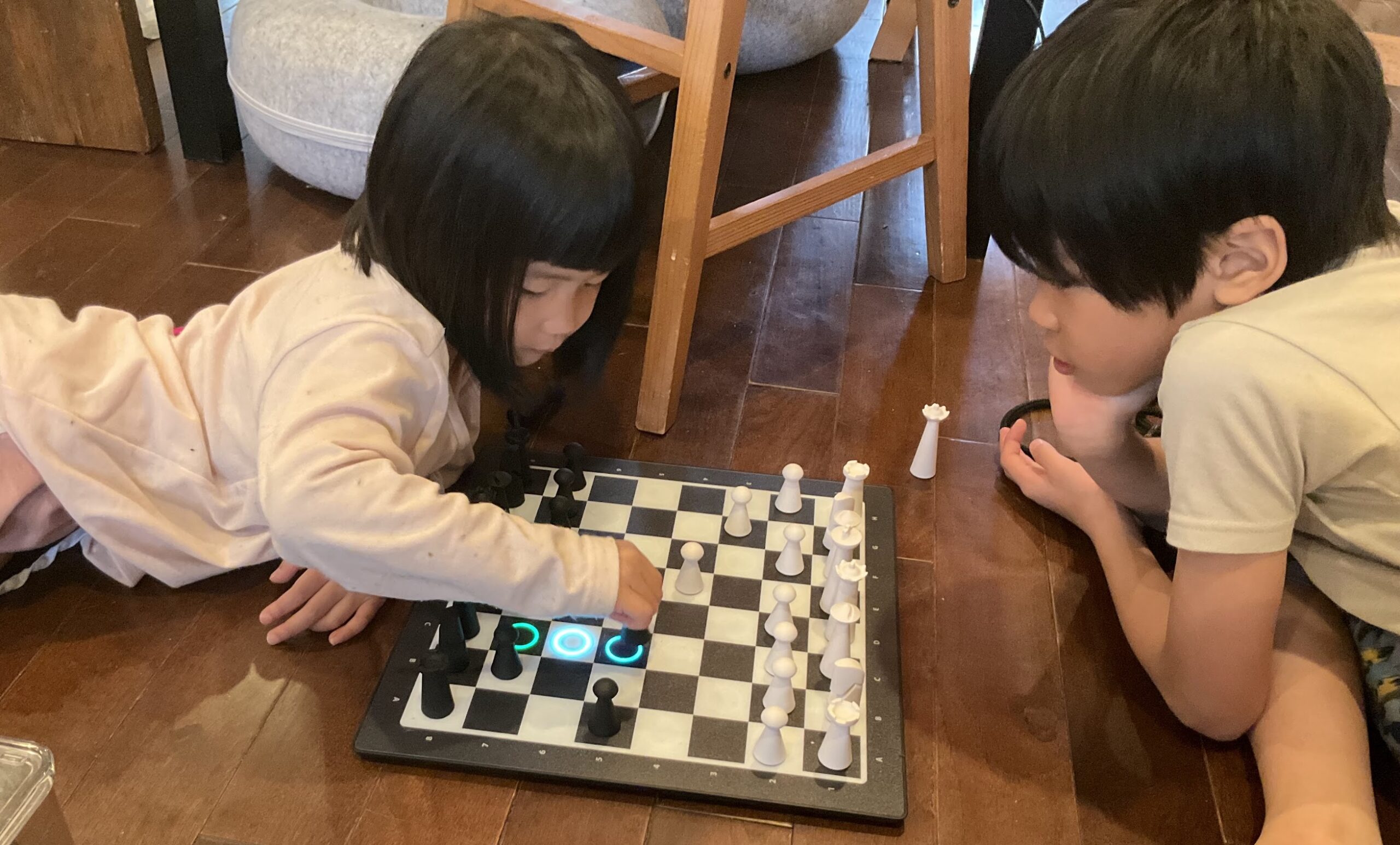
This is a chessboard that’s powered by AI.
The good:
- Sleek design. Kids can play chess online or via AI using a real chessboard—reducing screen time.
The bad:
- It requires kids to move the pieces slowly/gently, or it won’t detect the move, which can be frustrating for kids.
My Takeaways:
For AI to be useful, particularly for hardware, it needs to be integrated with our existing behaviors/patterns. Take Meta smart glasses, for example; sunglasses are needed, headphones are necessary, and having both in one pays off the cost itself, not to mention the video recording and integration for publishing to Meta’s social platforms. I do expect Meta AI to be much improved soon-ish, and that will make the smart glasses even more valuable.
Why I want to start documenting some of my AI toolkits? It goes back to the question from my designer peers – “Will AI replace our jobs?”
With the rapid development of AI, honestly, I can’t be certain. However, my recommendation is always to learn more about it, to embrace it, and to leverage it, instead of worrying about the unknown.
I believe that to design the best experience, the fastest way is to use it. A colleague once messaged me something I agree with: “For AI, I try to adapt it in all possible ways, both software and hardware.”
I never considered myself a geek, but lately, I’ve realized I might carry more AI gadgets than others. To kick off my “Riding AI” series, I’m going to briefly talk about my gadgets (I surprised myself, ha!).